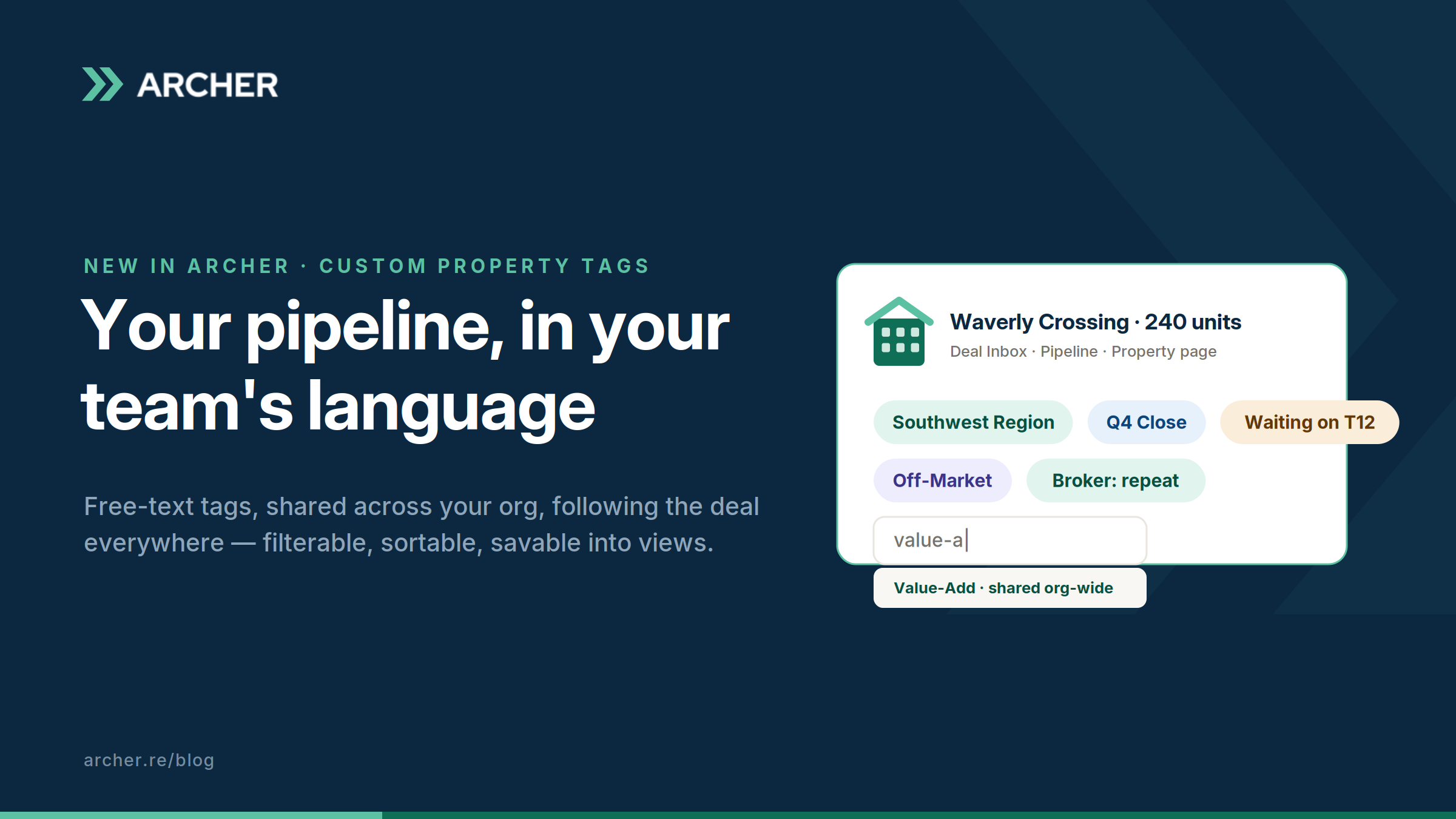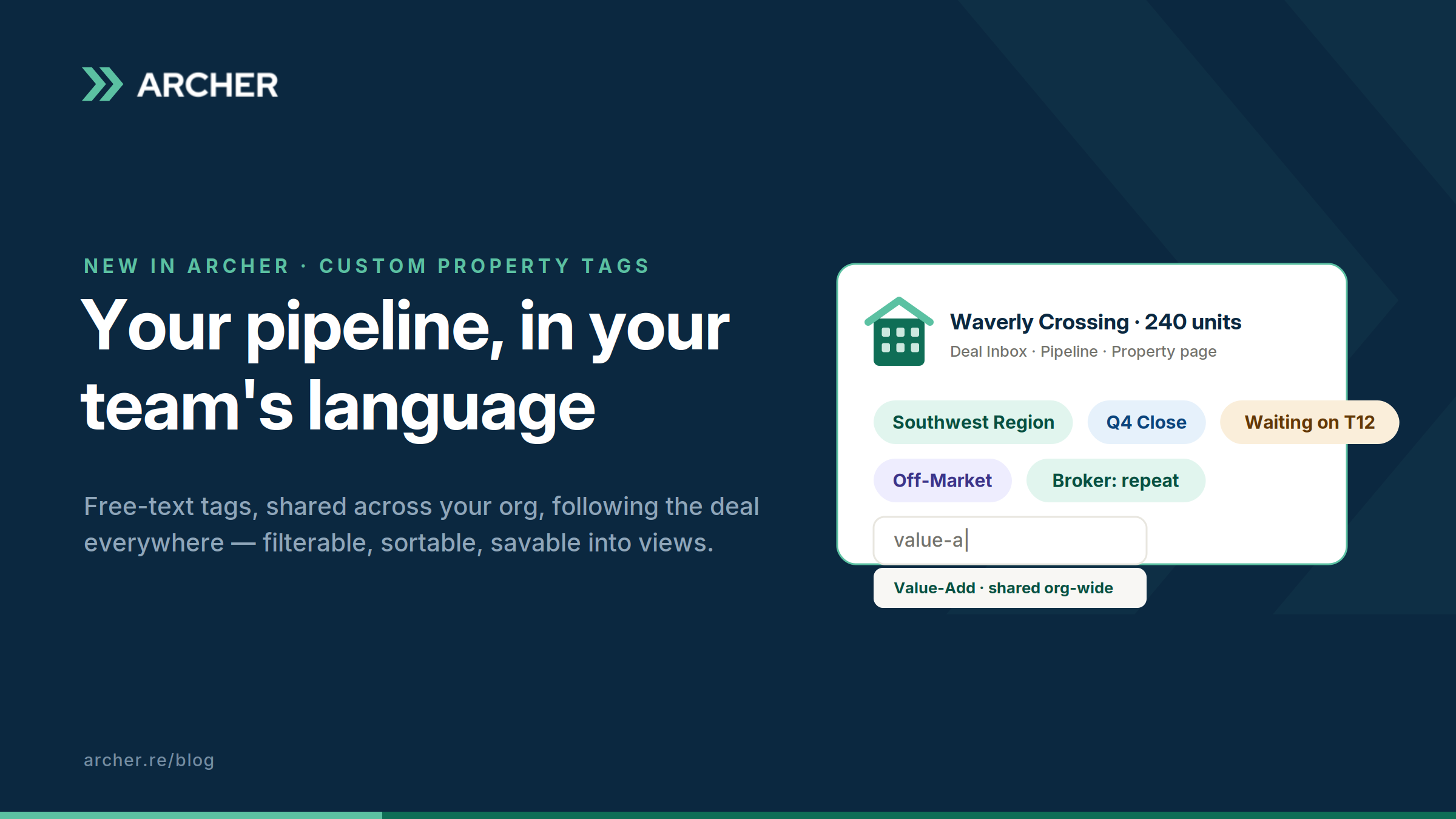
Every deal team has a private language.
“Southwest Region.” “Q4 close.” “Waiting on updated T12.” “Broker relationship, be nice.” “Zombie, revisit in spring.” It’s real operating information, often the most operationally important information about a deal. And for most teams it lives in the worst possible places: someone’s head, a notes field nobody opens, or the infamous tracker spreadsheet with the color-coding system only its creator fully understands, last updated three Mondays ago.
The problem isn’t that teams lack discipline. It’s that their shorthand had nowhere native to live. Starting today, it lives on the property.
Tags that travel with the deal
Custom Property Tags are free-text tags you create inline, right where you’re working. Start typing on any property and autocomplete surfaces your org’s existing tags, so “Value-Add” doesn’t splinter into three spellings across three teammates. Colors assign automatically. Every tag joins a shared, org-wide pool: one vocabulary, visible to everyone.
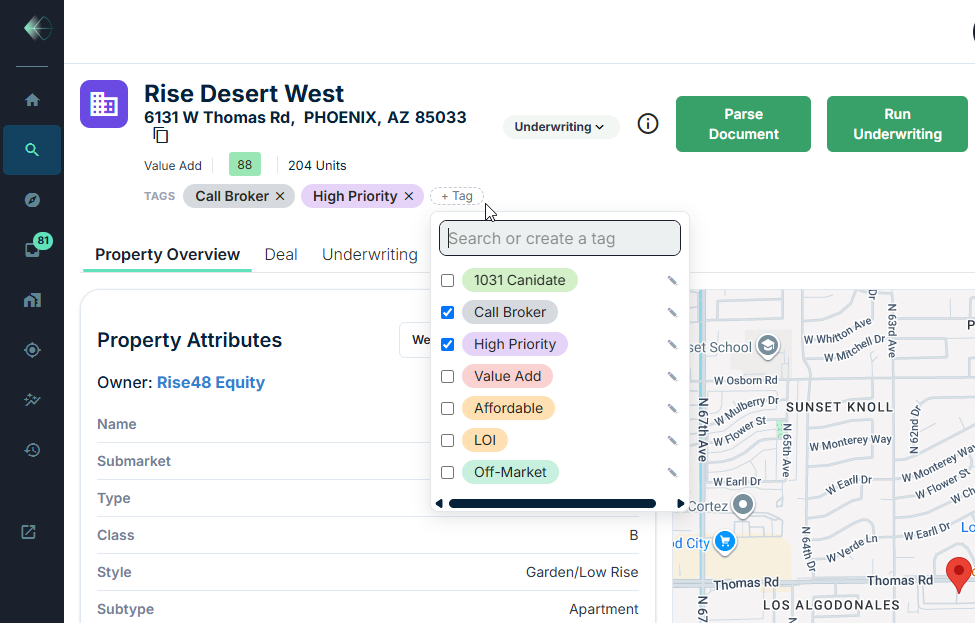
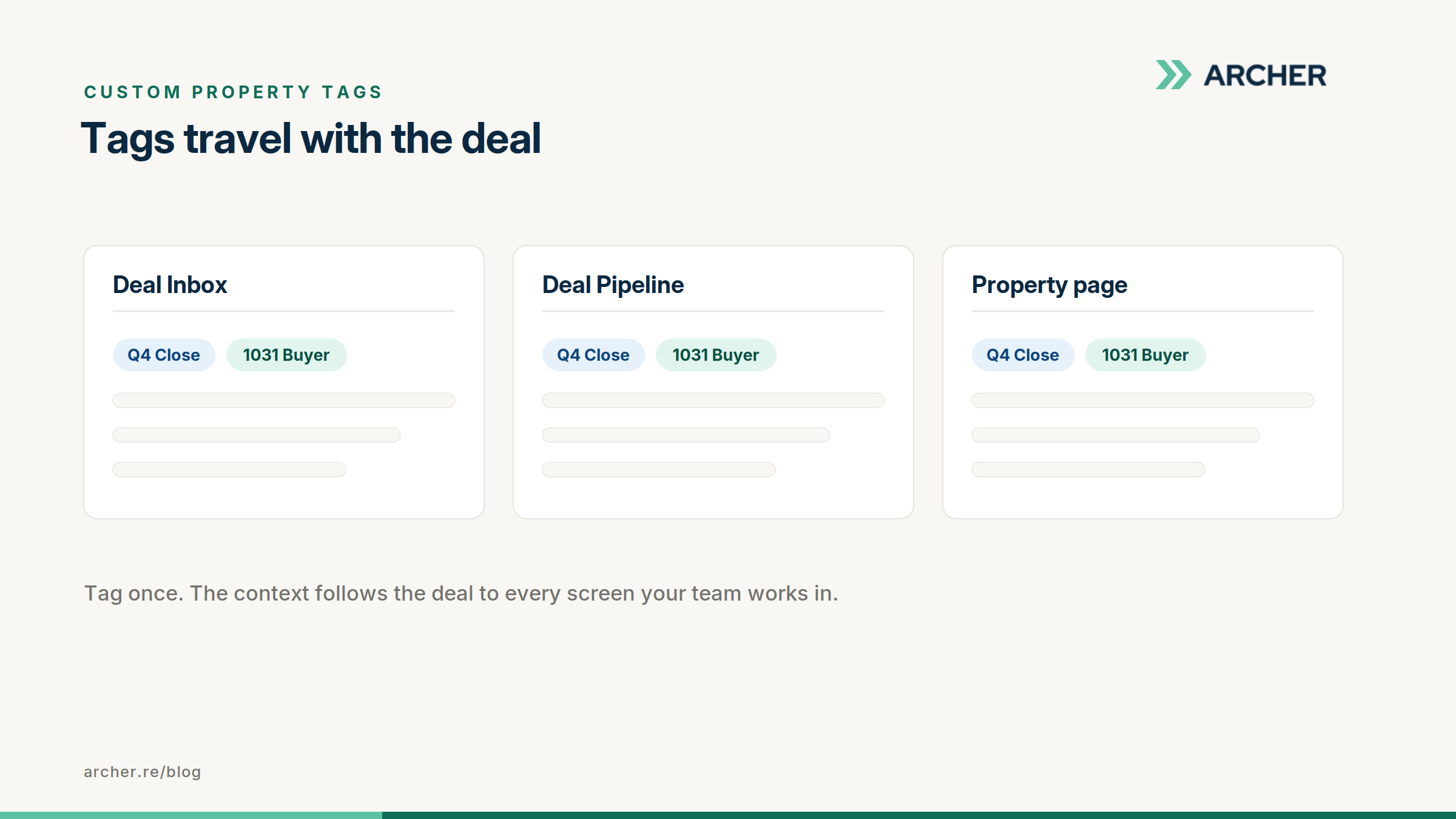
And the tags travel. Tag a property once and the tag follows it everywhere the property appears: the Deal Inbox, the Deal Pipeline, the property page, the property modal. Wherever the deal shows up, its context shows up with it. No more re-explaining a deal’s status because someone’s looking at it in a different screen.
Tags aren’t labels. They’re structure.
The moment your shorthand becomes data, your pipeline becomes queryable in your own language.
Filter any view by tag. Sort by tags. Save tag filters into the views your team already lives in, so “everything waiting on documents,” “all Q4 closes,” or “every deal tagged for the Tuesday IC” is one click, permanently, for everyone. The pipeline meeting stops being an archaeology exercise and starts being a decision meeting.
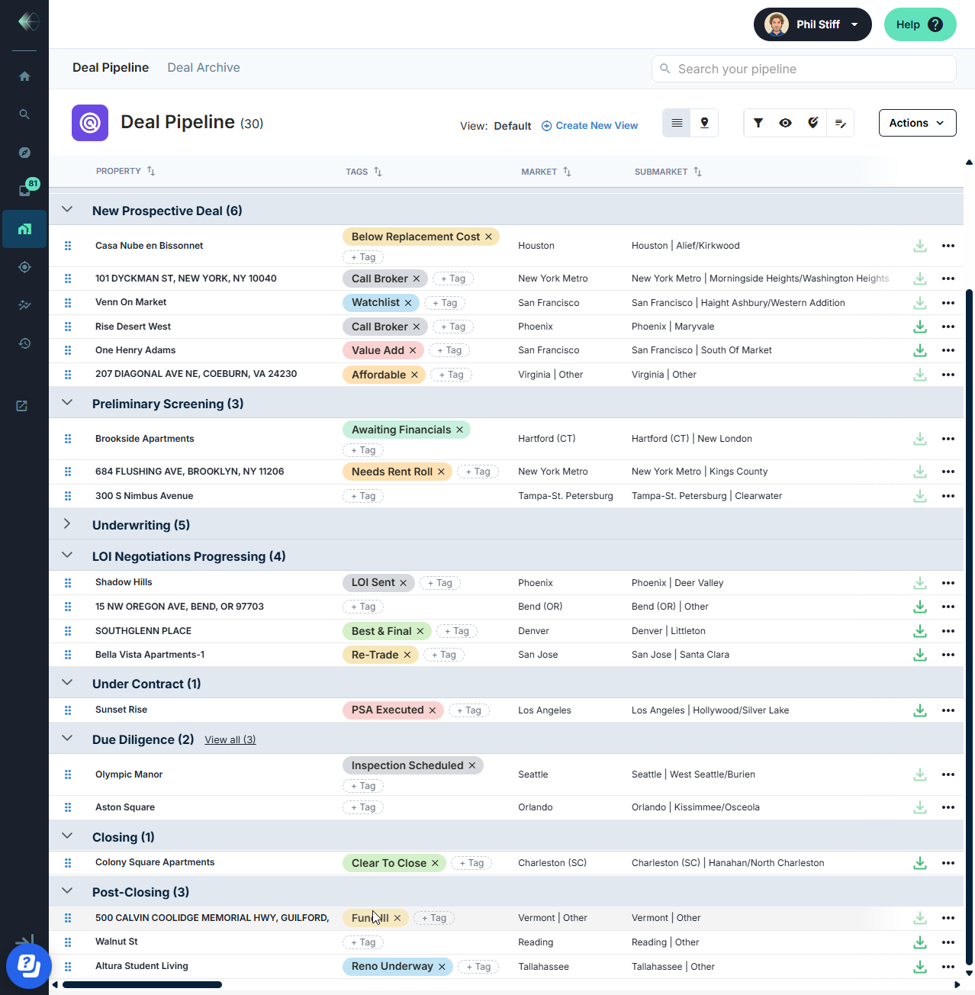
And there’s a longer game here: every tag is structure your data didn’t have before. As your tagged pipeline grows, so does your ability to benchmark across it. Performance by region, by thesis, by source. You’re not just organizing this week’s pipeline; you’re setting yourself up for benchmarking capabilities nobody else can match, because the taxonomy is yours.
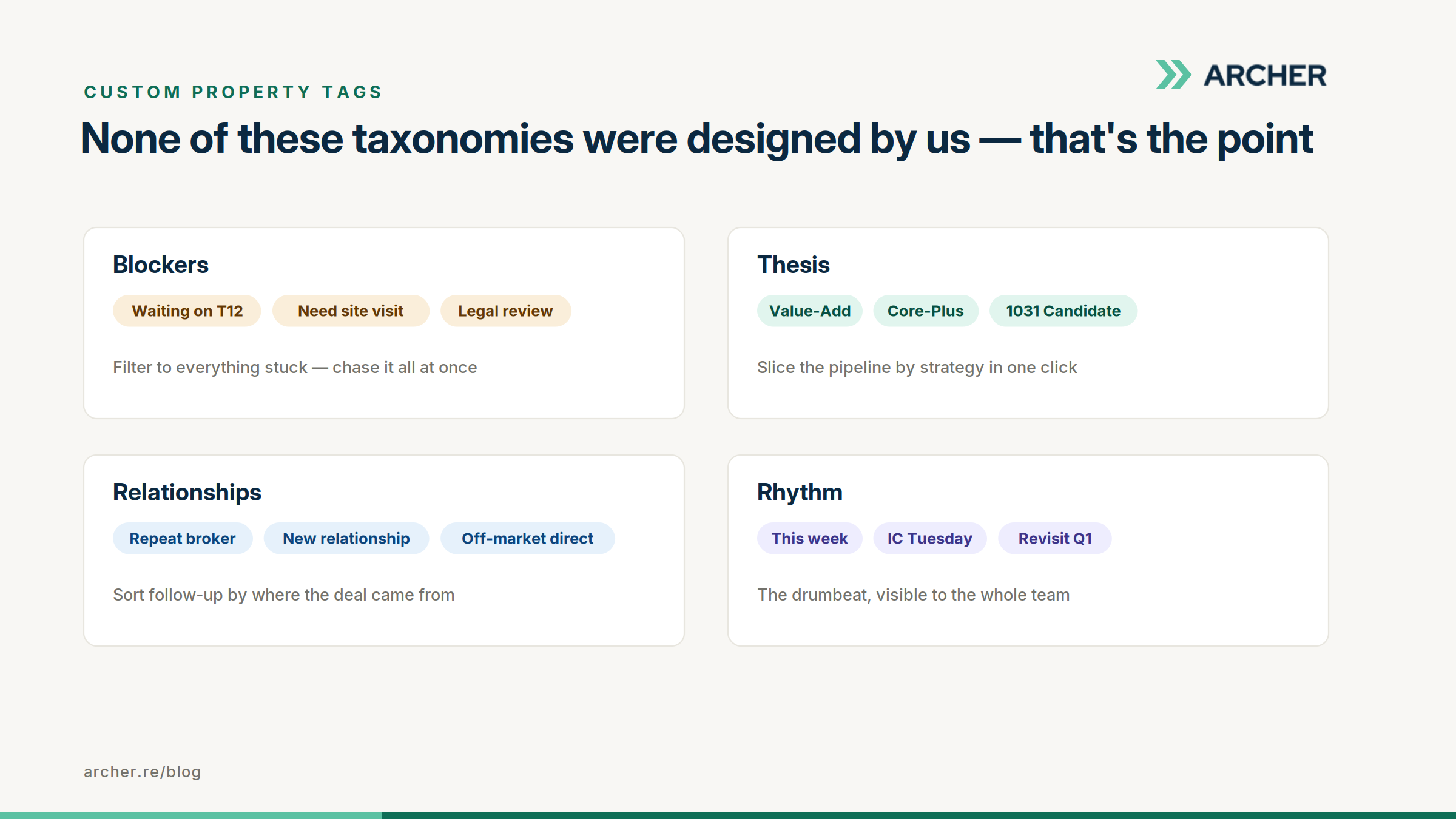
A few taxonomies we’re already seeing teams build:
- Region: Southwest Region · Sunbelt · Midwest core, so the pipeline slices by geography your way.
- Blockers: Waiting on T12 · Need site visit · Legal review, so you can filter to everything stuck and chase it all at once.
- Thesis: Value-add · Core-plus · 1031 candidate, so strategy is one click.
- Rhythm: This week · IC Tuesday · Revisit Q1, the drumbeat, visible to the whole team.
None of these were designed by us. That’s the point. Free text means the taxonomy is yours.
Built to evolve with your process
Shorthand drifts. Priorities get renamed. Two tags turn out to mean the same thing. Full tag management handles all of it: rename, recolor, delete, and merge from one place. Merge “Hot” into “High Priority” and every tagged property updates instantly. No cleanup project, no stale labels haunting old deals.
Small feature, honest impact
We won’t pretend a tag is a revolution. But a pipeline that speaks your team’s actual language, shared, filterable, current, and attached to the deal wherever it goes, quietly removes a hundred small moments of “wait, where is that deal and what’s the story?” Those moments were the tracker spreadsheet’s whole reason to exist. Consider it retired.
Live today for all clients. Open any property and start typing.
FAQ
-
Are tags shared across my whole organization? Yes. Tags are org-wide by design: one shared vocabulary, so the same tag means the same thing to everyone.
-
Who can create and manage tags? Everyone on your team. Tags are client-level, and anyone can create, edit, merge, or delete them. Your vocabulary, owned by the whole org.
-
Do tags show up in saved views for teammates? Yes. Save a tag filter into a view and everyone using that view gets it.